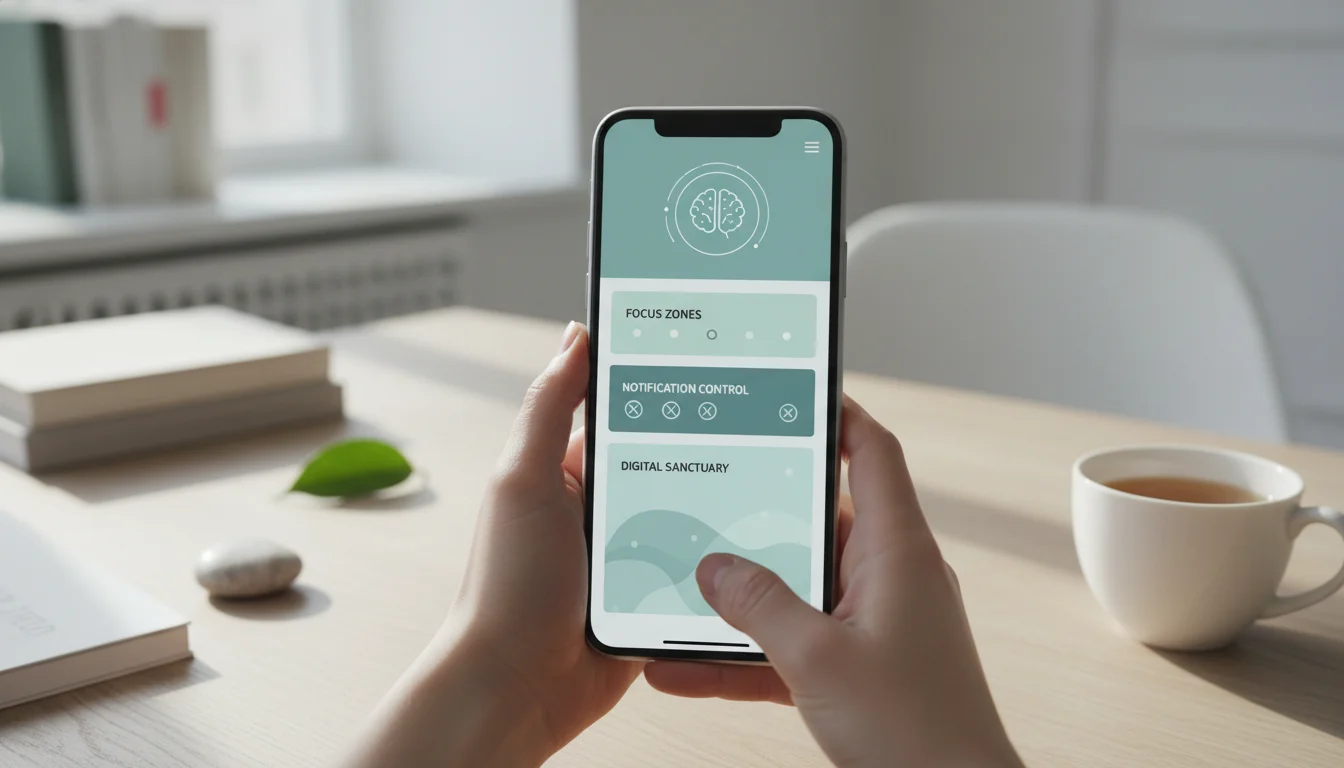
Your Phone Isn’t Just a Device—It’s a Behavioral Environment. Let’s Architect It for Peace.
If you’re feeling a low-grade hum of anxiety every time you glance at your phone, you’re not imagining it. As a behavioral psychologist, I don’t see your phone as just a tool. I see it as the most intimate and persistent behavioral environment you inhabit. It’s a space designed to capture your attention, often at the cost of your focus and emotional equilibrium. The endless icons, the red notification badges, the infinite scroll—this isn’t just “clutter.” It’s a series of constant, low-level demands on your cognitive and emotional resources.
Today, we’re moving beyond the simple “delete some apps” advice. We’re going to architect your digital environment using principles from behavioral science and clinical psychology. This isn’t about deprivation; it’s about intentional curation. We’re going to transform your phone from a source of distraction into a tool that genuinely serves your well-being and goals. Let’s begin the mindful renovation of your most-used space.
The Psychology of Digital Clutter: Why a Messy Phone Drains Your Mental RAM
Before we touch a single icon, it’s crucial to understand the “why.” Your brain’s prefrontal cortex is responsible for executive functions: focus, decision-making, and impulse control. Every visual cue on your phone—every app, every notification badge—represents a micro-decision: “Should I check that? Ignore it? What does it want?”
This phenomenon is called attentional capture. Researchers like Dr. Gloria Mark have shown that it takes an average of over 23 minutes to return to a deep focus task after an interruption. Your cluttered home screen is a minefield of potential interruptions, even before a single notification arrives. This constant, low-grade cognitive load leads to what I call Digital Decision Fatigue, depleting the mental energy you have for meaningful work, creative thinking, and connecting with loved ones.
Think of your phone’s interface like your kitchen counter. If it’s covered in mail, old receipts, and random gadgets, making a simple cup of coffee becomes a stressful chore. A clear, organized counter makes the process peaceful and efficient. We’re aiming for the digital equivalent of that clear counter.
The Architect’s Blueprint: A Four-Phase Decluttering Framework
We will approach this systematically, in four distinct phases. Attempting to do it all at once is overwhelming and unsustainable. Schedule 20-30 minutes for each phase over the course of a week.
Phase 1: The Behavioral Audit (Understanding Your Use)
Don’t delete anything yet. For 48 hours, simply observe. Use your phone’s built-in screen time tracker (iOS Screen Time or Android Digital Wellbeing) not to judge, but to gather data. Which apps are you truly using for connection or utility? Which are you mindlessly tapping out of habit or anxiety? Note the times of day you feel most compulsive. This audit isn’t about shame; it’s about gathering the architectural plans of your current environment.
Phase 2: The Ruthless Uninstallation (Eliminating the “Junk Drawer” Apps)
Now, open your app library or list. We’re going to sort apps into three categories, using a fresh metaphor: The Kitchen, The Tool Shed, and The Amusement Park.
- The Kitchen (Daily Essentials): Apps you use daily for nourishment and function: messaging, maps, calendar, banking, critical utilities. These earn a prime spot.
- The Tool Shed (Occasional Utilities): Apps used for specific, infrequent tasks: airline apps, a photo editor, a calculator, a guitar tuner. These get filed away in a folder, off the home screen.
- The Amusement Park (Pure Entertainment/Distraction): Apps designed primarily for infinite consumption, passive scrolling, or algorithmic engagement. This is where you must be ruthlessly honest. For each, ask: “Does this app add value to my life, or does it extract my attention for its own gain?”
Uninstall every “Amusement Park” app that fails the value test. You can always reinstall it later if you genuinely miss it (you likely won’t).
Phase 3: Interface Intentionality (Designing a Calm Home Screen)
Your home screen is your phone’s foyer. It should be calm and purposeful. Apply the “First Glance” rule: When you wake your phone, the first glance should show you only what you need, not what the apps want.
- Reduce your home screen to one page if possible.
- Place only your 4-6 essential “Kitchen” apps there.
- Use a blank, serene wallpaper—a solid color or a peaceful landscape. Avoid visual noise.
- Create one clearly labeled folder on the dock for your “Tool Shed” apps (e.g., “Utilities”).
- Remove all notification badges (those red circles with numbers) for non-essential apps. This is a critical step to reduce visual urgency.
Phase 4: Notification Triage & Focus Fortification (Managing Incoming Demands)
This is where we move from passive architecture to active defense. Notifications are the doorbells and telephones of your digital home. You wouldn’t let anyone ring your doorbell at any hour. Go to your Settings and conduct a Notification Triage for every single app:
| Category | Action | Example Apps |
|---|---|---|
| Critical Alerts (Allow Sounds/Banners) | Only for time-sensitive, person-to-person communication. | Phone calls, SMS, direct messaging from family. |
| Quiet Delivery (Allow, but Silently) | For useful but non-urgent info. No sound or banner. | Email, calendar reminders, package delivery. |
| No Notification Access (Turn Off Completely) | For apps that have no legitimate need to interrupt you. | Games, social media, news, shopping apps. |
Finally, embrace focus apps not as a crutch, but as a structural support. Tools like Freedom or your phone’s built-in Focus Modes (like iOS Focus) allow you to create scheduled or on-demand environments. Create a “Work Focus” that blocks all but your essential productivity apps, and a “Wind-Down Focus” for the evening that silences everything but calls from your emergency contacts. This is the equivalent of putting up “Do Not Disturb” signs on your mental door.
Sustaining the Peace: The Weekly Digital Reset Ritual
Decluttering is an event, but a peaceful digital life is a practice. I advise all my clients to institute a Weekly Digital Reset, a 10-minute ritual every Sunday evening.
- Review your Screen Time report without judgment.
- Check your Notification Settings—new apps often default to “all on.”
- Clear out your photo “Recently Deleted” folder and app cache if needed.
- Ask yourself: “Is my current setup still serving my goals for this coming week?”
This ritual reinforces your role as the conscious architect of your environment, not a passive tenant.
Beyond the Phone: The Ripple Effect of a Decluttered Mind
The profound benefit of this process isn’t just a cleaner phone. It’s the recalibration of your attention. When you reduce the number of decision points and interruptions, you reclaim cognitive bandwidth. Patients report being able to listen more deeply in conversations, experiencing less anxiety during downtime, and finding it easier to engage in “deep work” or a beloved offline hobby. You are, quite literally, training your brain to resist the pull of the trivial and redirect its energy toward the meaningful. You’re strengthening your attentional muscles.
FAQ: Your Questions on Digital Decluttering, Answered
Q: I need certain social media apps for my job. How do I handle those?
A: This is common. The key is compartmentalization. Keep the app in your “Tool Shed” folder, not on your home screen. Turn off all notifications for it. Schedule specific, time-bound “check-ins” during your workday (e.g., 10 AM and 3 PM for 15 minutes each). Use a separate browser or app profile for work-related social media if possible, to create a psychological boundary from personal use.
Q: What about messaging apps like Slack or Teams that are required for work communication?
A: Treat them like a work desk phone. Use notification settings aggressively. Mute non-essential channels. Utilize “Do Not Disturb” schedules that align with your work contract and personal time. Advocate for team communication norms, like using @channel sparingly. Your right to focus is a professional necessity, not a luxury. Resources from organizations like the Center for Humane Technology can provide team-level strategies.
Q: I decluttered, but I feel a “pull” to reinstall apps or check things mindlessly. What now?
A: This is completely normal. Habit loops are powerful. When you feel that pull, pause for 10 seconds. Ask yourself: “What am I seeking right now? Am I bored, anxious, lonely, or tired?” Often, the phone is a solution to an unmet emotional need. Have a prepared list of alternative actions: take three deep breaths, get a glass of water, stretch, or text a friend. For deeper analysis of tech habits, the research from the American Psychological Association offers valuable insights.
Q: Is using grayscale mode really helpful?
A> Yes, and it’s a powerful behavioral “friction” tool. Removing color makes many app interfaces less dopamine-stimulating and visually compelling. Try it for a day—you’ll likely find your mindless scrolling decreases significantly. It’s a simple setting that can be found under “Accessibility” on most phones.
Remember, the goal is not a perfectly minimalist phone. The goal is a phone that feels like a humble butler, not a demanding boss. It’s a device that sits quietly in your pocket until you have a specific, intentional need for it. By taking this structured, psychological approach to decluttering your phone, you’re doing more than organizing icons. You’re conducting a profound act of self-care, reclaiming your attention, and building a digital environment that supports, rather than undermines, the life you want to live offline. Start with Phase 1 tonight. Your future, more focused self will thank you.